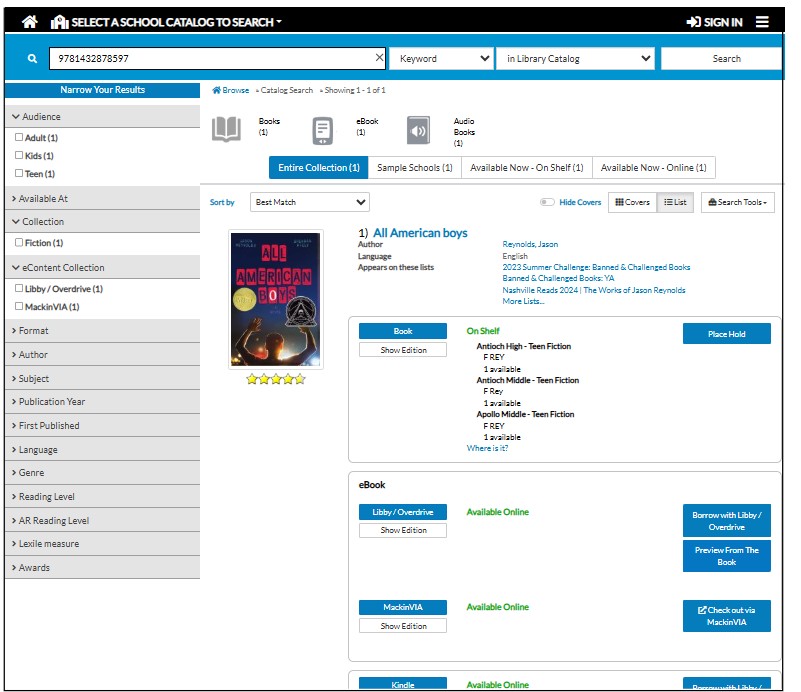
How to Use the OPAC Lookup Tool
Customers who have an OMS and do not want to use the TitleMatch feature can use the OPAC Lookup Tool to avoid ordering duplicates.
To do this, please follow these steps:
1. Open a created list and click on Select Column:
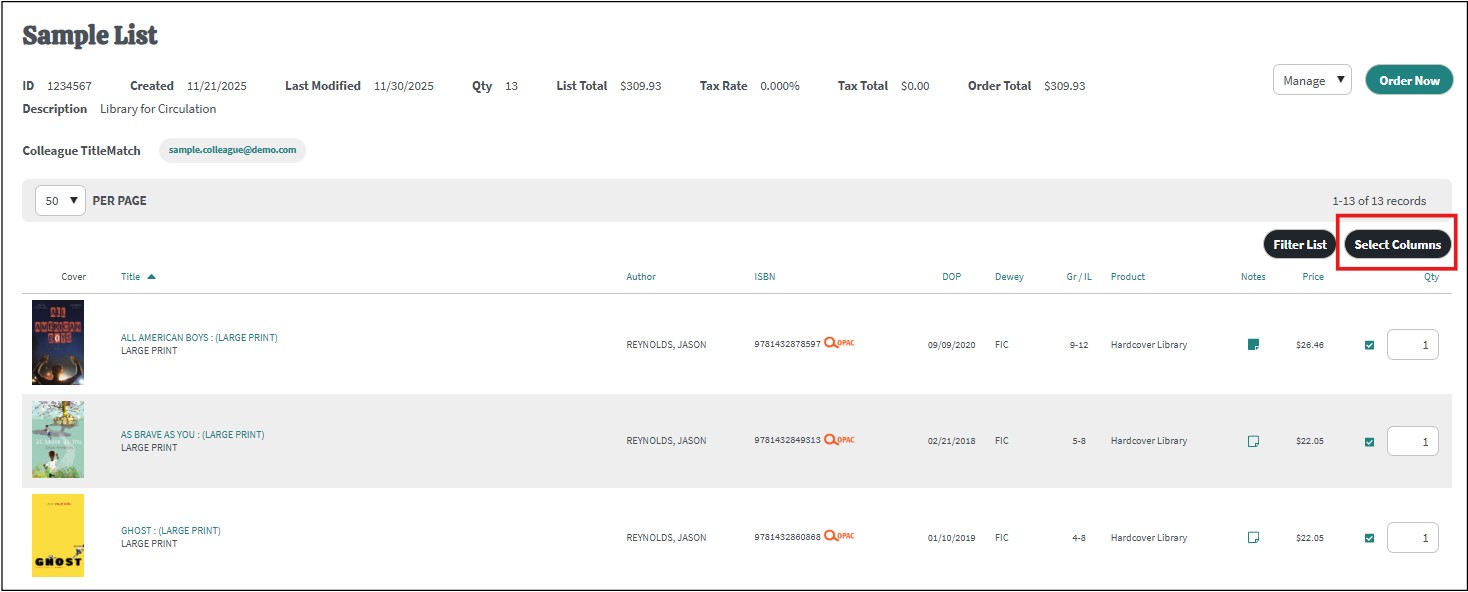
ISBN needs to be selected (the ISBN is used to query an online catalog to determine if the title is already owned):

2. Select the OPAC Search icon next to the ISBN of the title that you would like to query in the OPAC:

A new window will open with the search results that display holdings information: