To add a widget (an image that links to your MackinVIA™) to your website, first log into your MackinVIA Administrator account (https://www.mackinvia.com/Admin) with your Mackin.com email address and password.
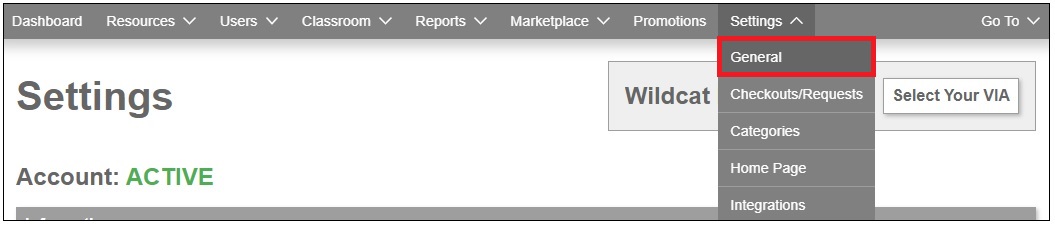
Click Settings > General (make sure you choose the correct VIA if there is more than one account).
Click the Get VIA Widget button.

Copy the HTML code and paste that into your website’s HTML.